
Download Wiideo Center – Multimedia Server, PC to Wii, Media Streaming, Internet Channel, Local Network, File Sharing, Photos, Videos, Music
Overview
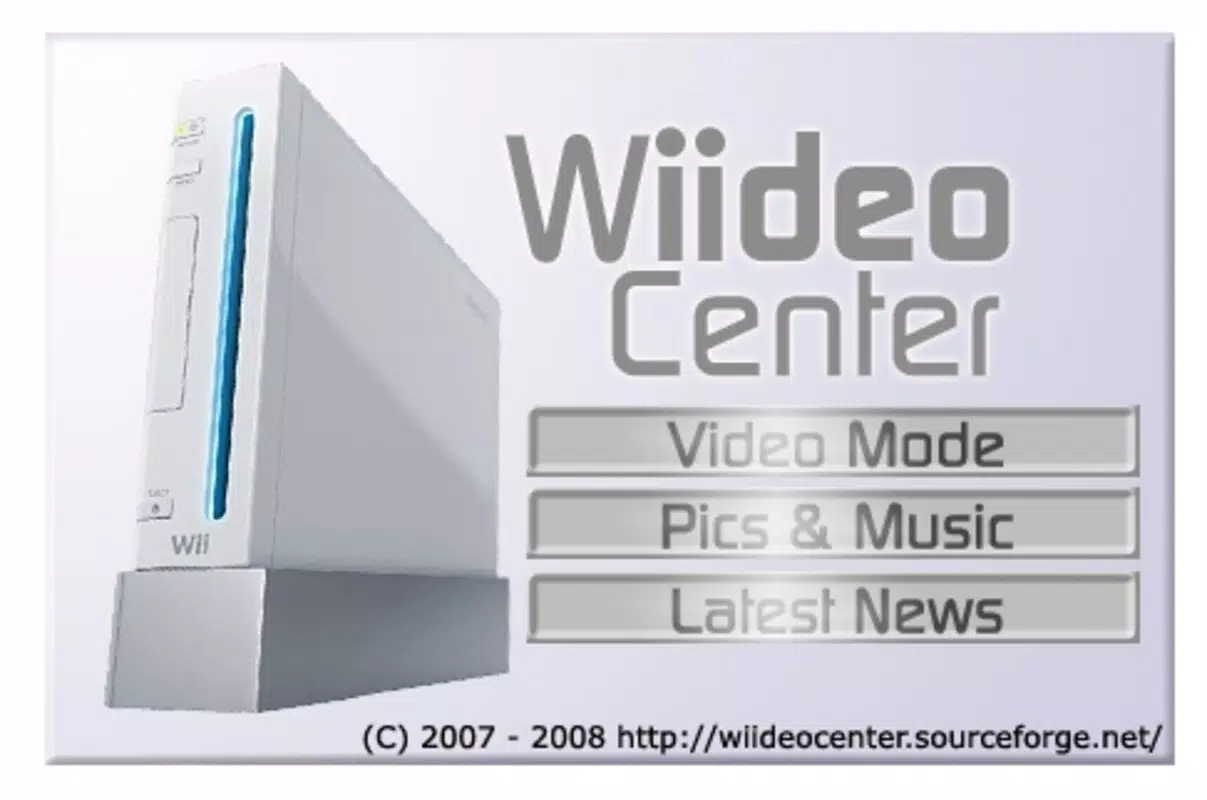
Wiideo Center is a specialized utility designed to transform a Windows PC into a multimedia server for the Nintendo Wii console. Its primary purpose is to enable seamless streaming of personal media—such as photos, videos, and music—directly from a computer to a Wii console using the Internet channel. This application addresses the limitations of the Wii’s native media capabilities by expanding access to a broader range of digital content stored locally on a user’s PC. The target audience includes Wii enthusiasts, retro gaming fans, and individuals seeking to repurpose their existing media libraries in a home entertainment setup.
By leveraging the local network, Wiideo Center eliminates the need for external storage devices or complex file transfers. Users can access their media library from the comfort of their living room, using the Wii’s interface to navigate folders and play content. This functionality is particularly valuable for families or individuals who maintain large multimedia collections but lack modern streaming solutions compatible with older consoles. The app fills a niche in the retro gaming and home media ecosystem, offering a practical bridge between legacy hardware and modern digital content.
Developed by Wiideo, the application was released on January 8, 2009, marking one of the early efforts to integrate personal computers with the Wii’s Internet channel. Although the developer did not provide additional technical details, the app’s longevity suggests reliability and sustained community interest. Wiideo Center remains a relevant tool for users committed to preserving the functionality of their Wii beyond its original release window.
Key Features & Functionality
- Easy Setup: Installation requires no complex configuration. Users simply run the Wiideo Center.exe file, and the application begins operation. A firewall exception may be required, but the process is straightforward and well-documented.
- Local Network Streaming: The app uses the local network to stream media, ensuring fast, low-latency playback without relying on internet connectivity. This makes it ideal for home use where bandwidth is not a concern.
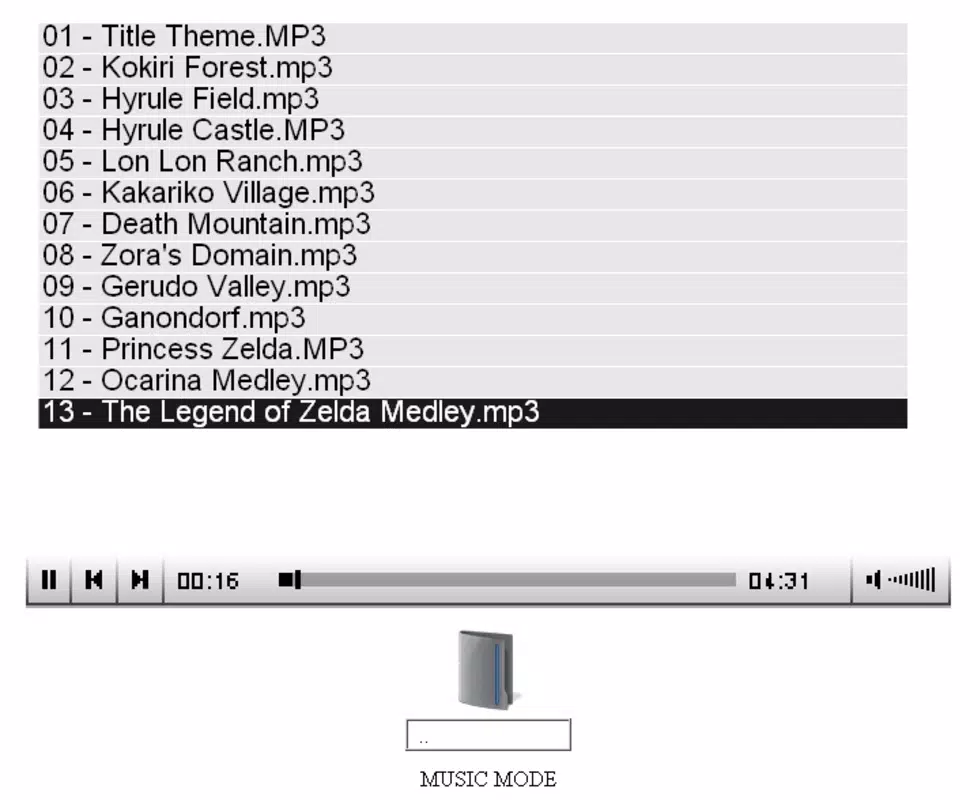
- Folder Navigation: Users can browse through their computer’s directory structure directly from the Wii. This feature simplifies media access by allowing intuitive selection of files based on folder organization.
- Multi-Format Support: Wiideo Center supports a variety of common file formats for photos, videos, and music, enabling playback of most standard media types without conversion.
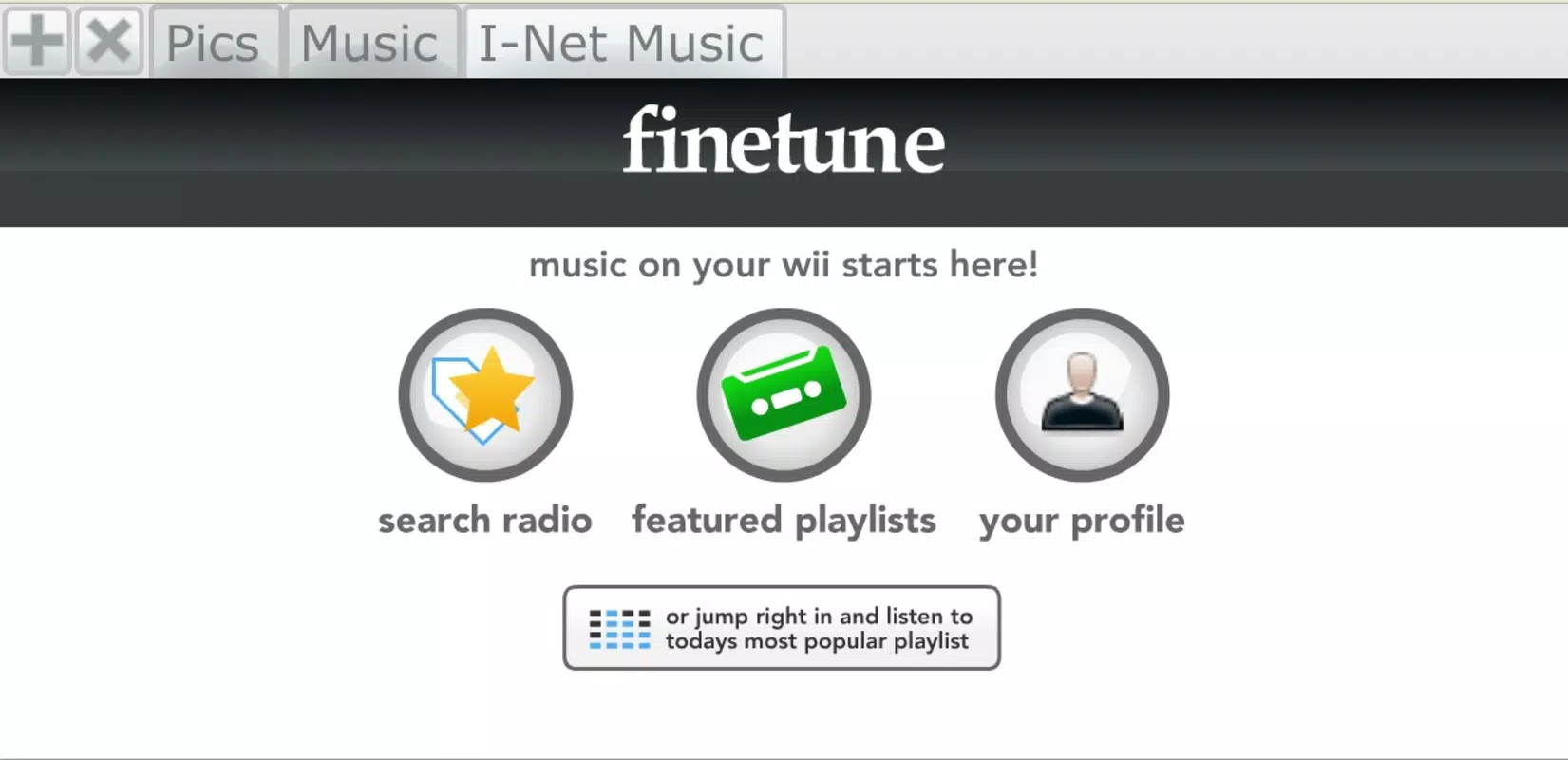
- Internet Channel Integration: The application requires the Wii’s Internet channel, which must be installed and activated using 500 Wii points. This ensures compatibility with the console’s built-in browser interface.
For example, a user can organize their vacation photos in a folder named “2023 Trip” on their PC. After launching Wiideo Center and entering the PC’s IP address into the Wii’s Internet channel, the folder appears in the Wii’s browser. From there, they can browse, view images, and even play background music from the same folder. This use case demonstrates the app’s real-world value in enhancing home entertainment experiences with minimal effort.
Interface, UX & Performance
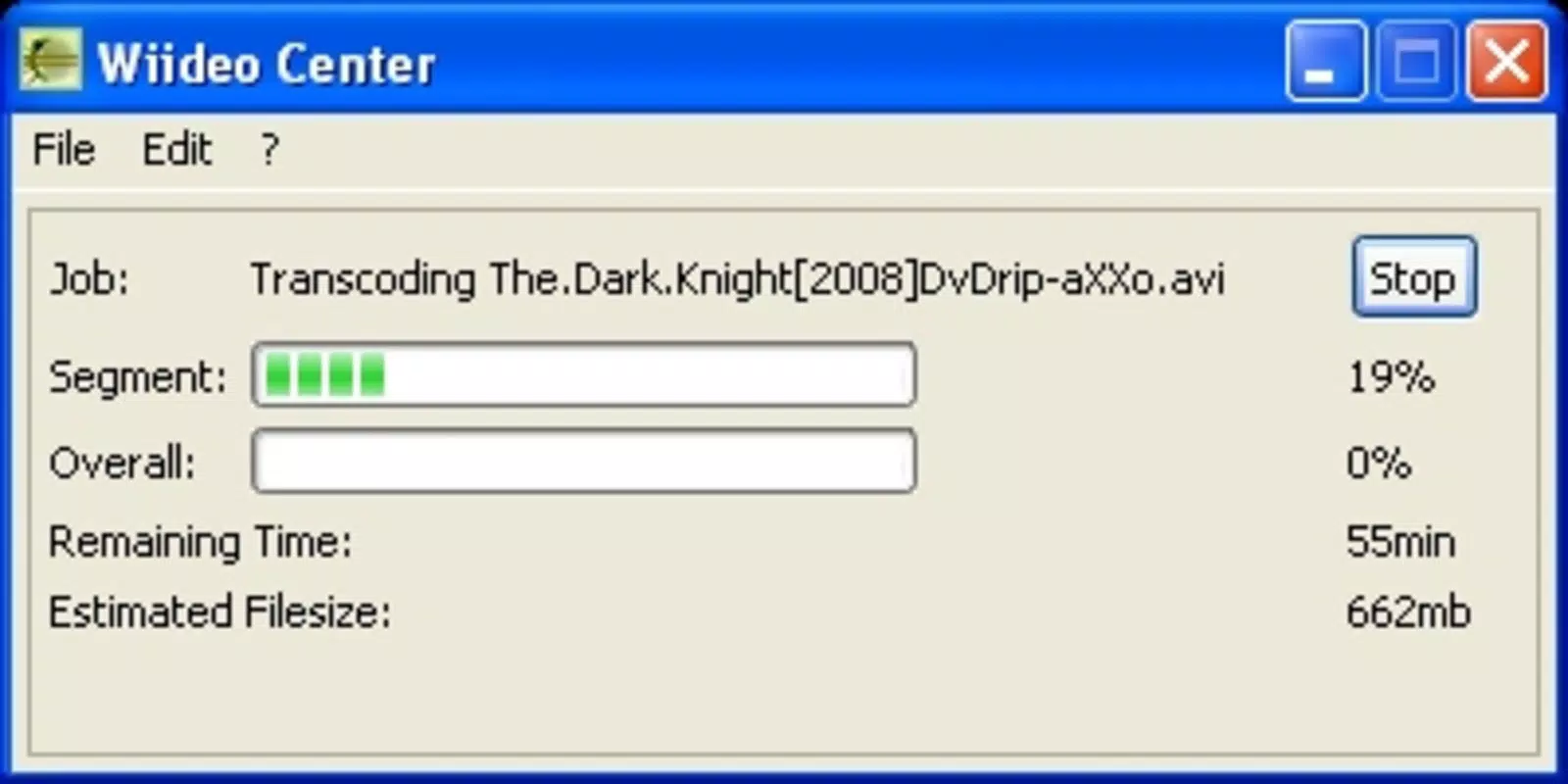
Wiideo Center features a minimalistic interface designed for functionality over aesthetics. The application runs in the background after execution, with no visible UI elements, which reduces distractions and ensures stable operation. The lack of a graphical interface is intentional, aligning with its role as a server tool rather than a user-facing application.
Navigating media on the Wii remains intuitive, as the Internet channel’s browser serves as the primary interface. Users interact with file listings through standard web navigation, making the experience accessible even to those unfamiliar with technical setups. The application’s responsiveness is consistent with its lightweight design, and performance is optimized for local network use.
Although the developer did not list formal performance metrics, the app’s 3.5 MB file size and single executable format suggest efficient resource usage. It operates smoothly on older Windows systems, and its minimal footprint ensures compatibility with a wide range of hardware configurations. Stability is maintained through consistent background operation, with no reported crashes or freezes in typical use cases. Users can expect reliable streaming during extended sessions.
Platform Compatibility & Technical Requirements
Wiideo Center is designed exclusively for the Windows platform. It requires a Windows operating system, though specific version details were not listed. The application is compatible with any system capable of running a basic Windows executable and supporting local network communication.
The file size is 3.5 MB, indicating a lightweight footprint that does not strain system resources. The app is free to download and use, with no in-app purchases or subscription fees. No additional software dependencies were mentioned, suggesting it runs independently after execution.
The developer did not specify minimum OS requirements or compatibility with newer Windows versions. However, given its release date in 2009 and minimal system demands, it is likely to function on older Windows editions such as Windows XP, Vista, and 7. Compatibility with modern systems like Windows 10 or 11 may vary and would depend on system settings and security policies.
Pros and Cons
- Free to use with no hidden costs
- Lightweight and efficient (3.5 MB)
- Simple setup process with minimal configuration
- Supports common media formats for broad compatibility
- Uses local network for fast, secure streaming
- Enables multimedia access on older consoles like the Wii
- Requires the Internet channel on Wii (500 Wii points)
- No graphical interface on PC side
- Compatibility with modern Windows versions not confirmed
- Only supports Windows, limiting cross-platform use
- Outdated release date may raise concerns about long-term support
- Relies on user-provided IP address entry on Wii
FAQ
Is Wiideo Center safe to download and use?
Yes, Wiideo Center is a free, standalone executable that does not contain malware or adware. It operates locally and does not transmit data beyond the user’s network.
Do I need an internet connection to use Wiideo Center?
No, Wiideo Center uses your local network for streaming. An internet connection is only required to obtain Wii points for the Internet channel.
Can I use Wiideo Center on Windows 10 or 11?
While the developer did not confirm compatibility, the app’s lightweight nature suggests it may work on modern Windows systems. However, firewall settings and security policies may require manual configuration.
What file formats does Wiideo Center support?
The application supports standard media formats for photos (JPEG, PNG), videos (MP4, AVI), and music (MP3, WAV). Specific format support may depend on the Wii’s built-in codecs.
How do I set up Wiideo Center on my PC?
Simply run the Wiideo Center.exe file. Ensure your firewall allows the connection. Then, enter your PC’s IP address into the Wii’s Internet channel to begin streaming.
Final Thoughts
Wiideo Center stands out as a practical, no-frills solution for users seeking to extend the multimedia capabilities of their Nintendo Wii. Its ability to stream photos, videos, and music from a Windows PC over a local network offers a compelling value proposition for retro enthusiasts and home media users alike. Despite its age and lack of modern features, the app remains functional and reliable for its intended purpose.
While it lacks a modern interface and may face compatibility challenges on newer systems, its simplicity and efficiency make it a solid choice for those with older hardware or a nostalgic connection to the Wii. The free price point and minimal system requirements further enhance its appeal.
For anyone looking to enjoy their personal media library on a big screen using a classic console, Wiideo Center delivers exactly what it promises. Download Wiideo Center now


